Screenshots
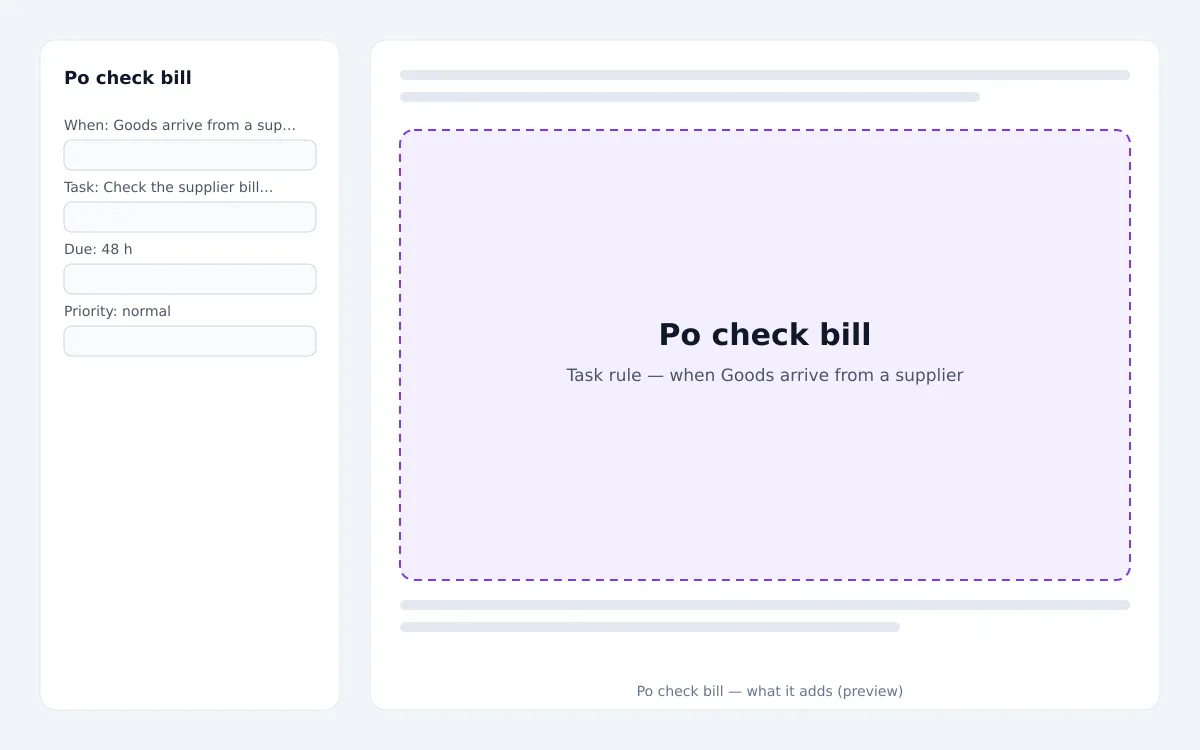
Live preview
What installing it adds, item by item, from the signed package.
Task rule · 5
- Check the supplier bill for ‹number› — ‹supplier›The goods for purchase order ‹number› arrived (‹total›). Check that the supplier's bill matches what we received, then attach the bill.
- Goods arrive from a supplier · Trigger
- 48 h · Due after
- normal · Priority
- role · accountant · Assigned to
About
Creates the task “Check the supplier bill for ‹number› — ‹supplier›” — The goods for purchase order ‹number› arrived (‹total›). Check that the supplier's bill matches what we received, then attach the bill. Installing switches it on with the settings shown; you can change it or switch it off any time under Automations, and uninstalling puts back what you had before.
Reviews
Only workspaces that installed this extension can review it.
No reviews yet.
Questions & answers
Ask before you install — the seller answers here, for everyone to read.
No questions yet — be the first to ask.
You may also like
Appointment bill
Automation recipes · by the zmle team
Task rule — when a finished appointment has no invoice
Appointment confirm
Automation recipes · by the zmle team
Task rule — when a customer books online
Backup fix
Automation recipes · by the zmle team
Task rule — when The backup fails
Bill vs purchase order check (3-way match)
Automation recipes · by the zmle team
Smart automation · Every hour